
Strategy
How to Plan a Month of Social Media Posts in One Sitting
November 5, 2026 · 7 min read
A content calendar is not a spreadsheet of ideas. It is posts that are written, previewed and scheduled so the month looks after itself. This guide describes a workflow you can finish in a single sitting, using PostGP's calendar, drafts and AI.
Why batching works
Writing one post at a time means deciding what to say, in what voice, on which platform, every day. Batching separates the decisions. You decide the themes once, write in a single focused session, and let scheduling do the daily work.
Step 1: choose three or four themes
A theme is a recurring kind of post. Three or four are enough, and they keep a month varied without needing new ideas daily.
- Teach: a tip, a how-to or a lesson.
- Show: a result, a behind-the-scenes look or a customer story.
- Opinion: a take that invites replies.
- Announce: a launch, an update or a hire.
Step 2: decide the rhythm
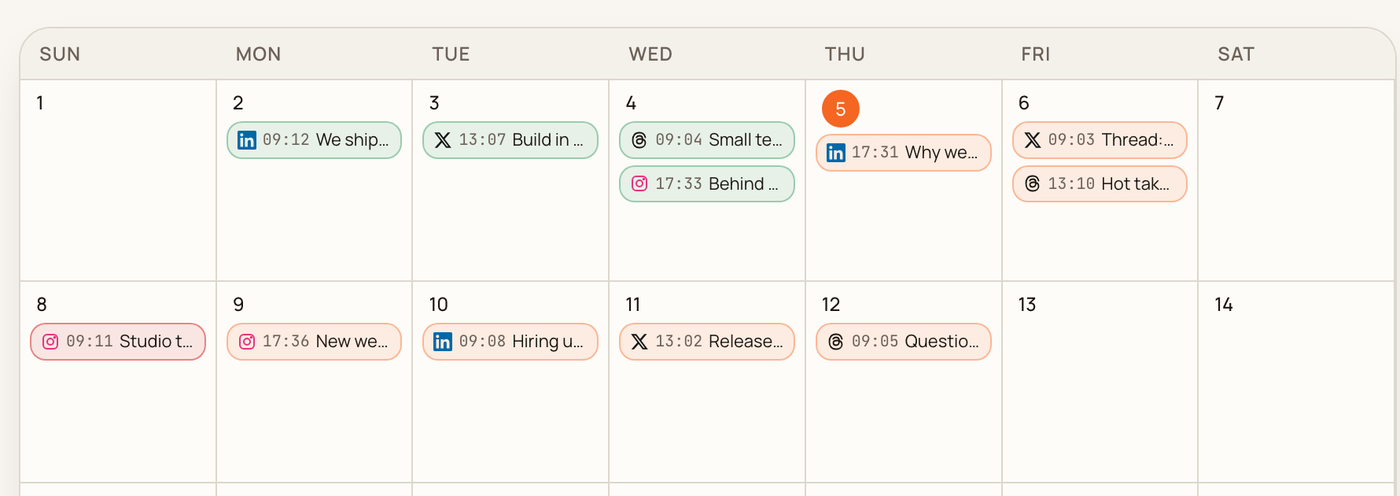
Decide how many posts a week you can sustain, not how many you would like. Consistency beats volume. PostGP requires at least four hours between any two posts, so two a day is the practical ceiling for one person. A common pattern is one post per weekday, rotating platforms, which is what the calendar below shows.
Step 3: batch-write with AI in your voice
Open Chat and ask for several posts at once: for example, five LinkedIn posts for the Teach theme, or an X thread plus a LinkedIn version of one announcement. The writer returns drafts in each platform's preview, using your voice templates, so you edit rather than start from nothing.
Set the templates first. The voice, words to avoid and style rules in Templates apply to every draft, which is what keeps a month of posts sounding like one person.
Read every draft aloud. AI gets you to a good first version fast, but the last 10 percent, the specific number or the real example, has to come from you.
Step 4: schedule, don't just save
Give each draft an account and a time and press Schedule. The preview and the limit checks run at this point, so problems show up now rather than on the day. Suggested times fill the gaps in good slots and keep the required spacing for you.
- Schedule the strongest post of each week first, in your best slot.
- Fill the remaining days with suggested times.
- Drag posts between days on the calendar if the balance feels off.
Step 5: keep a few drafts in reserve
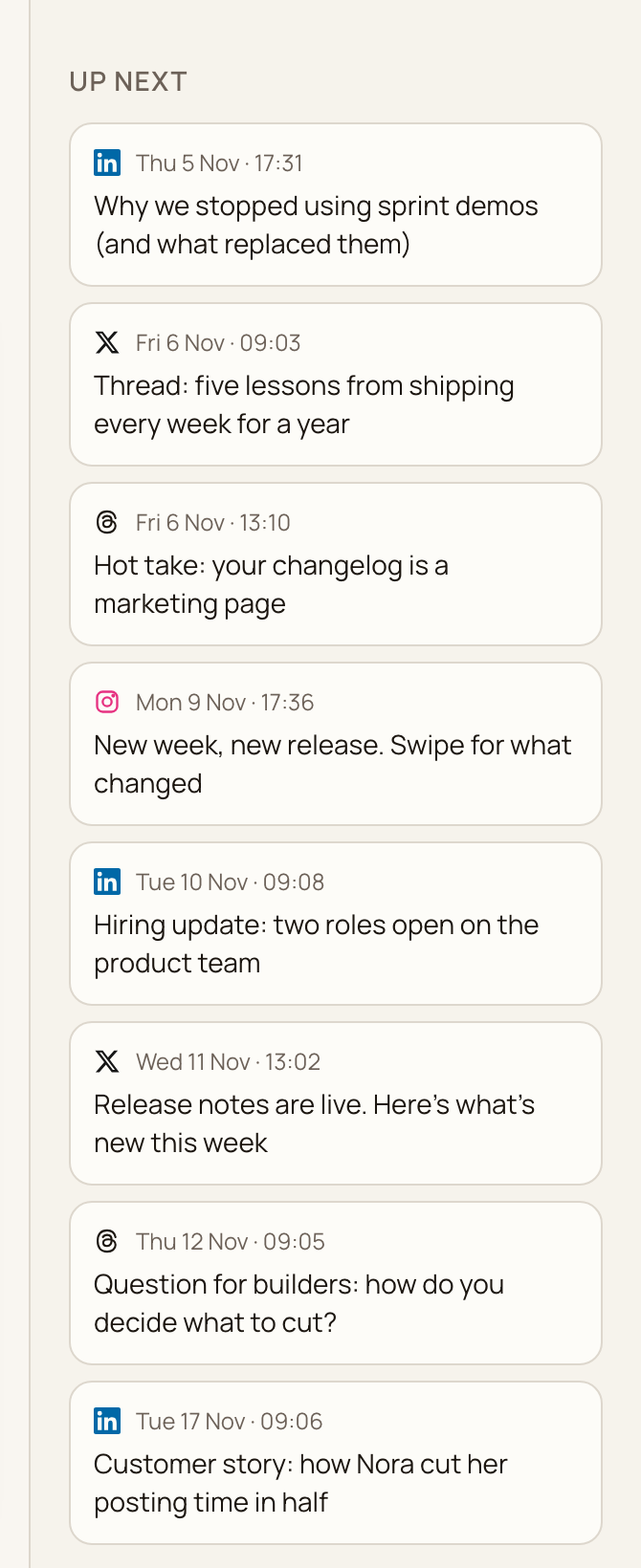
Leave two or three evergreen drafts unscheduled. They sit in the Unscheduled drafts list beside the calendar. When something falls through, or news makes a planned post feel wrong, you can swap one in within a minute.
Review once a month
At month end, look at what performed in each platform's own analytics, keep the themes that worked and replace one that did not. Then repeat the sitting. The first month takes longest, because the templates and themes are being built.
Frequently asked questions
- How far ahead should I schedule?
- Two to four weeks is a good balance. Further out and the posts go stale, nearer and you are back to daily decisions.
- Can I change a scheduled post later?
- Yes. Open it from the calendar to edit it, drag it to another day, or move it back to drafts.
- How many posts a week should I plan?
- The number you can keep up. Start with three a week and add more only once that feels easy.
Keep reading
Schedule your posts with PostGP
Plan Instagram, X, LinkedIn and Threads posts in one calendar.
Get started