
Platforms
Instagram Captions, Hashtags and the First Comment: What to Write and Where to Put It
November 5, 2026 · 6 min read
The picture gets attention, but the caption decides whether people stay, comment or follow. This guide covers the limits on Instagram captions, how to structure one, what to do with hashtags, and how the first comment lets you keep the caption clean.
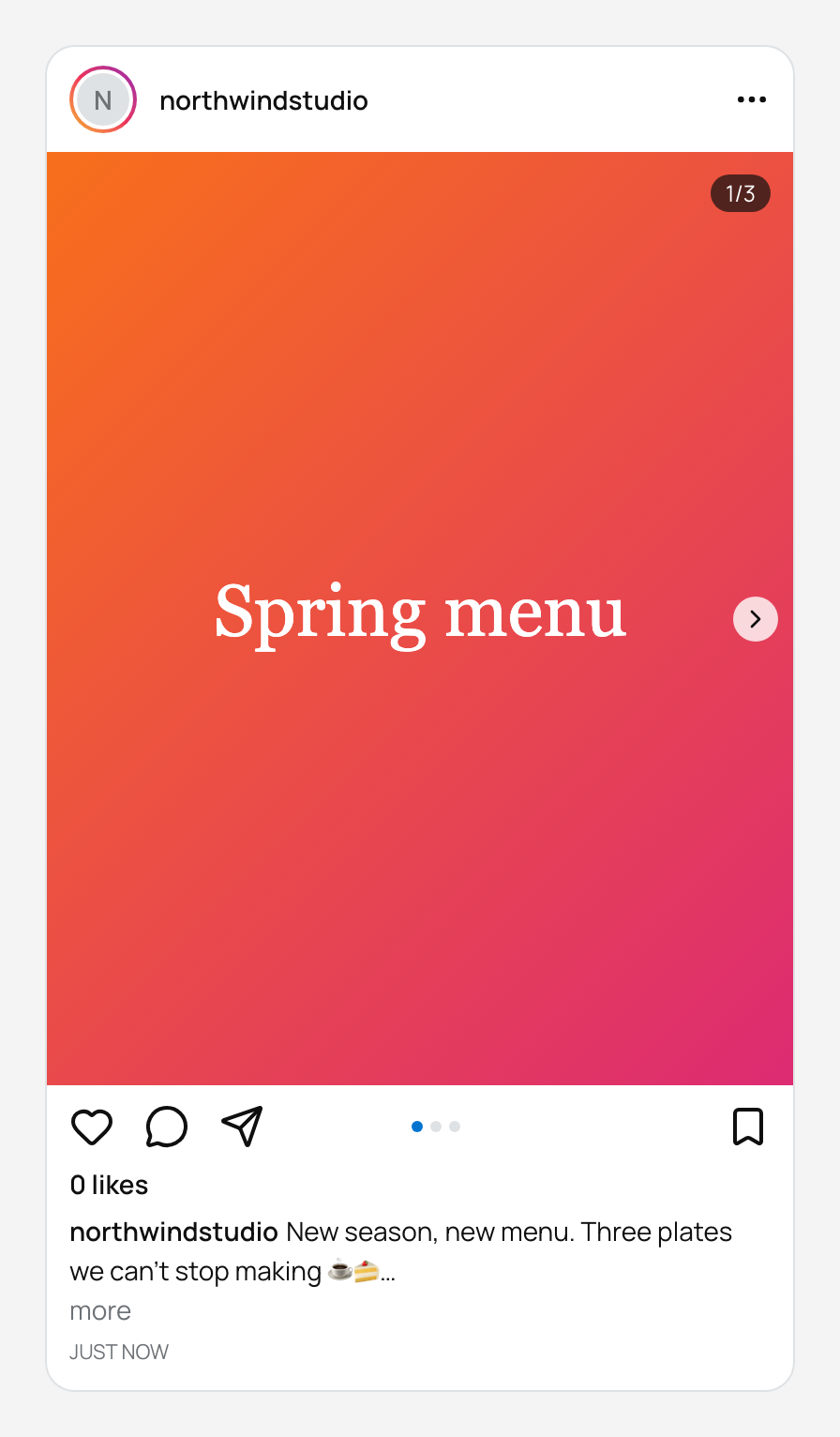
The limits
| Item | Limit |
|---|---|
| Caption length | 2,200 characters |
| Hashtags in a post | 30 |
| First comment | One optional comment, posted by your account right after publishing |
Only the first couple of lines of a caption show in the feed before the more link, so put the part you want read at the start, regardless of the 2,200 limit.
Structure a caption that gets read
A caption has a job: finish what the image started. A simple structure works for most accounts.
- Open with a line that stands alone: a claim, a question or a result. It is the only part guaranteed to be seen.
- Add the context in short paragraphs. Use line breaks, because dense blocks are skipped.
- End with one specific action, such as save this, comment your answer, or tap the link in the bio. Avoid stacking several calls to action.
- Put hashtags last, or move them to the first comment.
Use the first comment to keep the caption clean
Many people put their hashtag block in the first comment so the caption reads as writing rather than as a tag list. PostGP supports this directly: the editor has an optional First comment field, and when the post publishes, PostGP adds that comment from your account.
The same field works for a link reminder, a source, or a longer call to action that would clutter the caption.
- Caption: the story, ending with one clear action.
- First comment: extra hashtags, a credit, or a pointer to the link in your bio.
Schedule the caption and first comment together
- Open Compose, choose Instagram and your account, then pick Post, Carousel, Reel or Story.
- Add your image or video. Images must be JPEG and under 8 MB.
- Write the caption and, if you want, the first comment. Watch the two counters: hashtags out of 30 and characters out of 2,200.
- Choose a time and press Schedule. The comment is added automatically after the post goes live.
Stories do not take a caption, so the caption and first comment fields apply to feed posts, carousels and Reels.
If the post fails
The most common Instagram failure is an image that is not a JPEG, followed by files over the size limit. The post is marked failed with the reason, and you can fix the file and retry from the editor. See the troubleshooting guide for the full list.
Frequently asked questions
- How many hashtags can I use on Instagram?
- Up to 30 in a post. PostGP blocks scheduling if you go over.
- Are hashtags in the first comment as good as in the caption?
- Many creators use the first comment to keep the caption tidy. Choose relevant tags either way, because relevance matters more than the position.
- Can PostGP post the first comment for me?
- Yes. Add it in the First comment field and PostGP publishes it right after the post goes live.
- What is the Instagram caption limit?
- 2,200 characters.
Keep reading
Schedule your posts with PostGP
Plan Instagram, X, LinkedIn and Threads posts in one calendar.
Get started