
Platforms
Posting on Instagram: Feed Posts, Carousels, Reels and Stories Explained
November 4, 2026 · 8 min read
Instagram has four post types, and each one has its own media rule. Most failed Instagram posts come from choosing the wrong type for the files you have, or from a file format Instagram's publishing API won't accept. This guide goes through each format, what it needs, and how to avoid those failures.
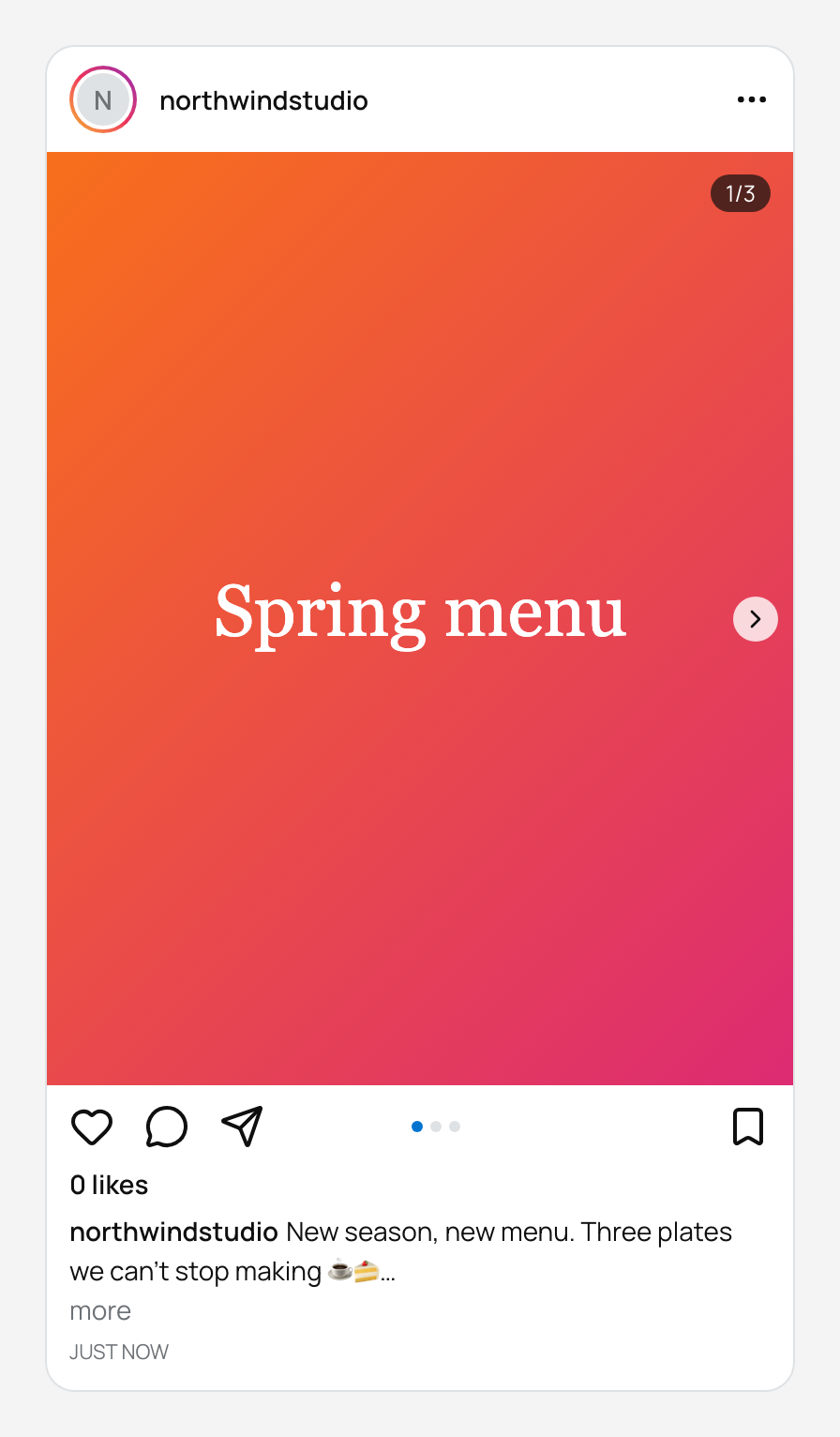
Choose the right format
Pick the format first. The editor adapts its rules to the type you choose.
| Format | Media needed | Use it for |
|---|---|---|
| Feed post | Exactly 1 image or video | A single photo or clip. |
| Carousel | 2 to 10 images or videos | Step-by-step posts, photo sets, before and after. |
| Reel | Exactly 1 video, up to 15 minutes | Short video that can reach people who don't follow you. |
| Story | Exactly 1 image or video, video up to 60 seconds | Time-sensitive updates. Stories don't display captions. |
Media rules that trip people up
Instagram's publishing API is stricter than the Instagram app. Photos taken on a phone or exported from Canva are often PNG or WebP, and those need converting first.
- Images must be JPEG. PostGP warns you when you add a PNG or WebP, so convert it before the scheduled time.
- Images must be under 8 MB; videos under 300 MB.
- GIFs and documents are not accepted.
- Reels take video only (MP4 or MOV).
Export Reels in vertical 9:16. Instagram will publish other shapes, but vertical fills the screen and looks the most intentional.
Write the caption
Captions can be up to 2,200 characters, with at most 30 hashtags. In the feed only the first lines show before “more”, so lead with the part that makes people tap.
Where to put hashtags is a style choice. Some accounts put a few at the end of the caption; others keep the caption clean and put them in the first comment.
Use the first comment
PostGP can publish a first comment right after your post goes live. It is the cleanest place for extra hashtags, a link reference or a call to action that you don't want cluttering the caption. Leave it empty if you don't need it.
Reels and the main feed
A Reel has an extra switch: Also show in main feed. On means the Reel appears in your profile grid and your followers' feeds as well as the Reels tab. Off keeps it to the Reels tab. For most accounts on, so existing followers see it too, is the better default.
Daily publishing limit
Instagram caps how many posts an account can publish through its API in a 24-hour period. PostGP also allows at most one post every four hours per user, which keeps you well inside that cap and avoids the burst of posts that makes an account look automated.
Frequently asked questions
- Can I schedule posts from a personal Instagram account?
- No. Instagram only supports publishing through its API for Creator and Business accounts. Switching is free and keeps your followers.
- Do I need a Facebook Page?
- Not any more. See the guide on scheduling Instagram posts without a Facebook Page for the direct login route.
- Why did PostGP warn me about my image?
- Instagram's API only publishes JPEG images. Convert PNG or WebP files to JPEG before scheduling.
- Can I add music to a Reel?
- Not through the API. Add the audio into the video file before you upload it.
Keep reading
Schedule your posts with PostGP
Plan Instagram, X, LinkedIn and Threads posts in one calendar.
Get started