
Platforms
Posting on Threads: Byte Limits, Topic Tags, Link Cards and Reply Controls
November 4, 2026 · 6 min read
Threads is conversational and casual, and its publishing rules are quirkier than they look. The text limit is counted in bytes, a topic tag replaces hashtags, and a link card only works on a post without media. Here is how each one works and how PostGP handles it.
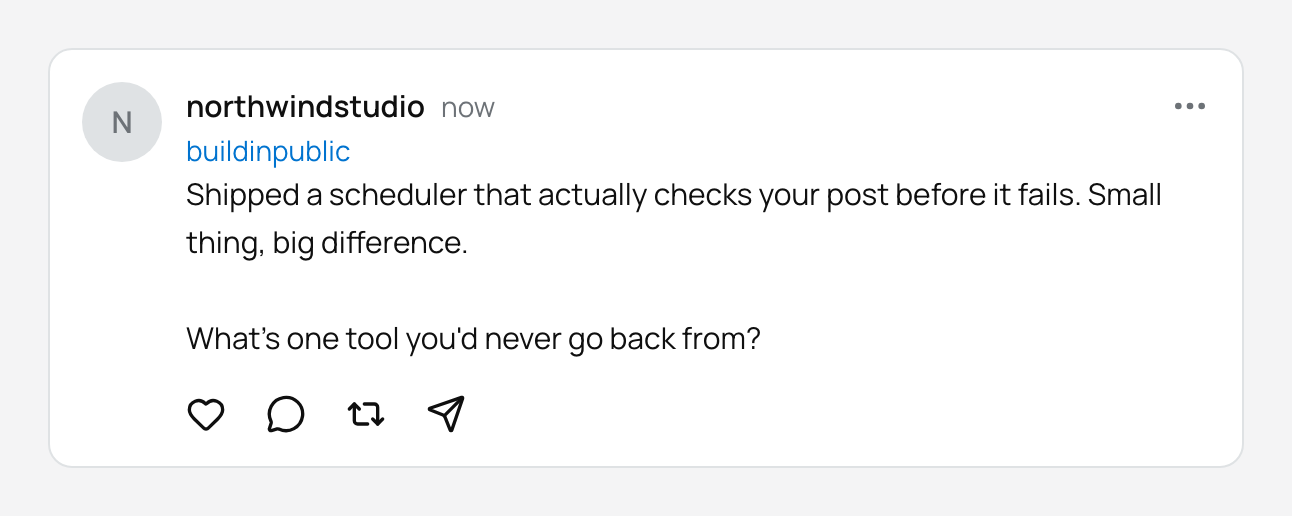
The 500 limit counts bytes, not characters
A Threads post is limited to 500 characters, but Meta measures emoji by their size in bytes. A single emoji can use several of those 500. PostGP counts the bytes of your text, so what you see in the counter is what Threads will accept.
For plain English text, bytes and characters are nearly the same. The difference shows up when you use emoji or non-Latin scripts: expect fewer visible characters than the number suggests.
PostGP is deliberately conservative here. If the counter says you fit, you fit.
Links and link cards
A post can contain up to 5 unique links. If you want a link attachment, which renders as a card, the post has to be text only: attaching an image or video removes that option. The link must start with http or https.
Images, videos and carousels
A single post can have up to 20 media items, which publish as a carousel.
| Type | Format | Limits |
|---|---|---|
| Image | JPEG or PNG | 8 MB, aspect ratio within 10:1 |
| Video | MP4 or MOV | Up to 5 minutes and 200 MB, and longer than 0 seconds |
| GIF or document | Not supported | — |
Alt text
Every image and video in a Threads post has its own alt text field, up to 1,000 characters. Fill it in: it makes your post accessible and helps people using screen readers follow the conversation.
Who can reply
Choose one of three settings per post:
- Everyone: the default, and best for reach.
- Accounts you follow: keeps replies to people you already know.
- Mentioned only: only people you mention can reply.
Why a media post takes a moment
Threads publishes in two steps: first it prepares the post, then it makes it live. For posts with images or video, the preparation step can take a while. PostGP keeps track of where it is and resumes if the first attempt needs more time.
If the platform ever gives an unclear answer, PostGP will not blindly publish again. That protects you from duplicate posts, and the post will show its status so you can check Threads yourself before deciding.
Frequently asked questions
- Can I use hashtags on Threads?
- Threads is built around a single topic tag instead. Use the topic field rather than hashtags in the text.
- Can I schedule a Threads reply chain?
- PostGP schedules single posts and carousels. For a multi-part sequence on X, see the X posting guide.
- Why does my emoji-heavy post say it's too long?
- Threads counts emoji by their byte size, so each one uses more of the 500 limit than a letter does.
Keep reading
Schedule your posts with PostGP
Plan Instagram, X, LinkedIn and Threads posts in one calendar.
Get started